
Is Your Nagpur Website Vulnerable to Security Threats?
✓ Core verification complete
✓ SSL Handshake established
✗ 3 Vulnerabilities in outdated plugins
→ Scanning database queries...
What Are Website Security Issues?
Website security issues encompass any vulnerabilities, threats, or compromises that threaten a website's integrity, data safety, or accessibility.
Common security risks involve malware scripts injected into website files, unauthorized administrative access, legacy server platforms, and unpatched WordPress themes or plugins. For commercial entities, keeping a website secure is fundamental to maintaining customer transactions and search visibility.
Key Characteristics Of Website Security
A robust website defense framework relies on five core attributes, establishing a strong safety baseline:
Website Integrity
Ensuring website source files (HTML, PHP, JS) match clean, official versions, preventing unauthorized code injections.
User Access Control
Managing administrator credentials, API keys, and user permissions, preventing brute-force database logins.
Security Monitoring
Continuous background scanning for backdoor files, database alterations, and suspicious connection attempts.
Software Updates
Routine installation of security patches, core files, and plugin updates to block exploit routes.
Data Protection
Implementing SSL encryption, secure forms, and off-site cloud backups to protect customer database records.
Signs Of Website Security Issues
A compromised website exhibits warning indicators that should trigger immediate inspection:
Browser Security Warnings
Red screens or warning popups block visitors from viewing your site's layouts, noting dangerous scripts.
Unexpected Website Behaviour
Pages crashing, elements loading slowly, or strange pop-up displays appearing on random smart devices.
Malicious Redirects
Clicking website links forwards visitors to unrelated advertising platforms or spam landing pages.
Unauthorized Changes
New administrative users, strange content pages, or unrequested links showing up on notice boards.
Antivirus Detection Alerts
Local desktop security software flagging connections to your domain as unsafe when you access layouts.
Admin Access Issues
Being locked out of your WordPress dashboard or noticing credentials changed without request.
Common Causes Of Website Security Issues
Attackers leverage specific entry gates to inject malware and compromise WordPress setups:
Outdated Plugins
Delaying plugin updates leaves known code vulnerabilities unpatched, allowing automated exploitation.
Weak Passwords
Using dictionary terms or simple keys for administrative logins, enabling simple brute-force attacks.
Unsupported Themes
Running visual templates that no longer receive developer updates, leaving PHP entry points exposed.
Poor Security Configuration
Failing to restrict file permissions or database settings, allowing script executions in uploads folders.
Lack Of Website Maintenance
Failing to audit core files, update credentials, or manage server integrations regularly.
Compromised User Accounts
Leftover employee logs or vulnerable developer portals getting exploited to access core systems.
How Website Security Issues Affect Businesses
A compromised website drops your business credentials instantly across critical digital channels:
Visitor Trust
Red warnings from Google or web browsers discourage users from interacting with your pages, damaging client confidence.
Lead Generation
Spam form injections or broken checkout links blockade leads from submitting inquiries or completing purchases.
Business Reputation
A hacked website associated with spam scripts undermines brand authority, driving B2B contacts to competitors.
Website Accessibility
Malicious redirects or layout blockades make pages completely inaccessible, pausing digital communications.
Search Visibility
Search engines index security warnings and blacklist compromised URLs, dropping search rankings.
Industries Commonly Affected
Different industries face unique vulnerabilities and compliance issues when website compromises occur:
Technology Companies
Security failures for IT firms directly damage credibility, indicating weak internal protection systems.
Educational Institutions
Outdated plugins on student portals risk data leaks and disrupt admissions notices during peak periods.
Healthcare Businesses
Patient databases and contact details require strict compliance; compromises lead to legal liabilities.
Professional Services
B2B consulting firms depend on forms for lead capture; warnings block prospective clients from reaching layouts.
Ecommerce Businesses
Security breaches during checkout directly compromise payment gateways, resulting in immediate cart drop-offs.
How To Resolve Website Security Issues
A systematic clean-up process is required to quarantine malware and restore operational stability:
Security Audit
Scan files and identify modified core code.
Malware Cleanup
Clean database strings and delete backdoors.
Core Restore
Reinstall official WordPress core templates.
Credential Lock
Reset passwords, salts, and database access logs.
Hardening
Configure firewalls and directory restriction files.
How To Prevent Website Security Issues
A proactive security posture keeps your website secure and protected:
Routine Updates
Run weekly checks to update your WordPress core, themes, and active plugins to secure code bases.
Active Firewalls
Deploy active cloud-based firewalls to filter connections, block brute-force logs, and quarantine unsafe requests.
Credential Policies
Enforce strong, unique passwords for every user account, set up 2FA protection, and restrict username lists.
Regular File Integrity Scans
Compare active files against original code hashes daily, catching unauthorized edits or background backdoor scripts.
Related Website Services
Professional website maintenance, security auditing, and optimization solutions:
Website Maintenance
Daily cloud backups, security firewall logs, uptime monitors, and weekly updates to block code compromises.
WordPress Website Design
Building custom WordPress websites utilizing secure development workflows, clean file structures, and lightweight scripts.
Website Redesign
Transitioning legacy, unmaintained PHP sites into clean, visual, and secure WordPress systems optimized for leads.
Real Project Example From Our Portfolio
Compromised PHP & Injected Malicious Files
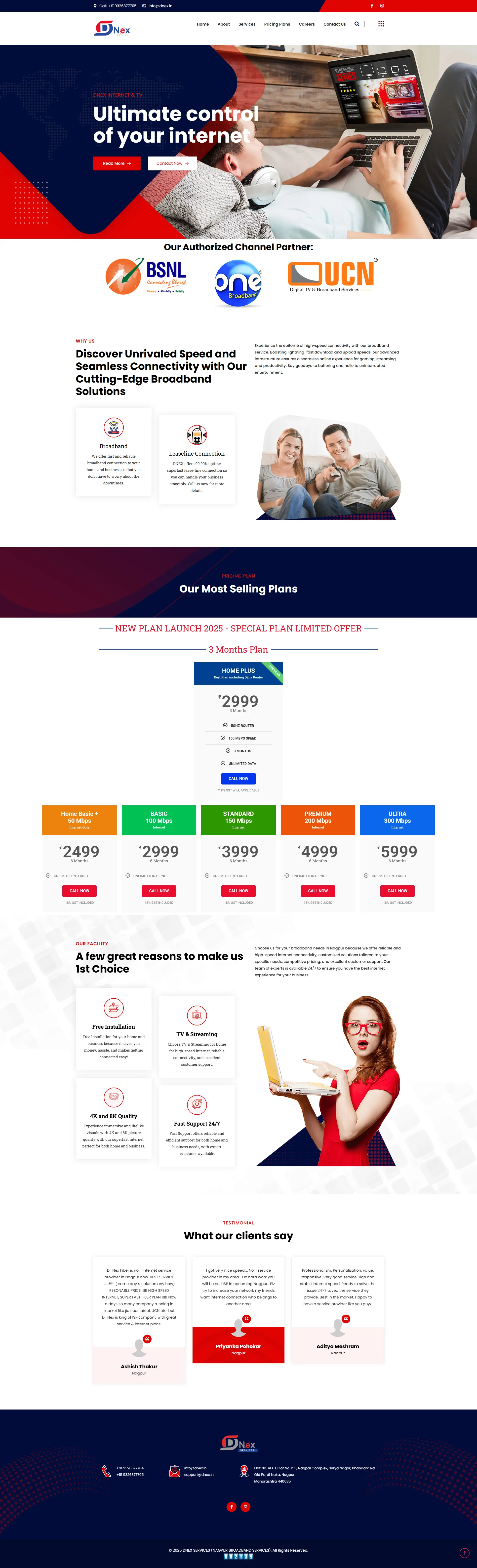
The Dnex Technology WordPress installation had become compromised due to injected backdoor PHP files, causing browser warnings and antivirus security notifications.
WordPress Core Sanitization & Credential Lock
Conducted a thorough file integrity audit, removed injected PHP lines, rebuilt directories with clean templates, locked administration logs, and deployed active cloud firewalls.
Verified Stability & Clean Browser Status
Full layout access restored on all viewports, browser warning indexes removed within 24 hours, and zero subsequent infection recurrences.
Related Website Challenges
Explore other common performance, accessibility, and technology challenges affecting business websites:
Slow Website
Unoptimized resource loading, poor caching, and database blocks driving visitors away.
Outdated Website
Older layouts, legacy CMS platforms, and poor accessibility decreasing conversions.
Poor Mobile Experience
Non-responsive layouts, overlapping links, and unoptimized forms causing visitor drop-offs.
Frequently Asked Questions
Find answers to common website security, WordPress vulnerabilities, and protection queries:
How do I know if my website has been hacked? +
Clear signs include browser warnings (red warning screens), hosting suspensions, strange redirects, unexpected files in your file manager, or security alerts from Google Search Console.
Why do WordPress websites get targeted by malware? +
WordPress powers over 40% of the web. Its popularity makes it an attractive target for automated bot scripts searching for outdated plugins, unsupported themes, and weak passwords.
What is the difference between malware removal and security hardening? +
Malware removal is the reactive process of cleaning infected files and database queries. Security hardening is the proactive strategy of blocking future doors through firewalls and permission locks.
Can outdated plugins cause security vulnerabilities? +
Yes. Over 80% of all WordPress hacks are due to outdated plugins. When vulnerabilities are discovered, developers release patches; if you delay updating, bots exploit those vulnerabilities.
How do browser security warnings affect visitor trust? +
Antivirus warnings block access to your site. Over 90% of visitors immediately leave when presented with a security warning, which stops lead generation and harms brand authority.
Does a hacked website affect search engine rankings? +
Absolutely. Google indexes malware warnings and will blacklist compromised sites to protect searchers. This drops your organic search visibility and requires submitting a clean review request.
What is file integrity monitoring? +
It is a security practice that compares your website's active files against official core hashes. If any core file shows unexpected code changes, the monitor alerts you immediately.
How often should I run website security scans? +
Daily. Automated security scanners should run in the background to check database integrity, file alterations, and server access logs, catching compromises before visitors encounter warnings.
What is database sanitization? +
It is the process of scanning your site's database tables for malicious SQL injections, fake administrator accounts, and injected JavaScript code hidden in page contents.
Can a security plugin replace professional maintenance? +
While plugins help, they cannot audit custom code configurations, handle complex plugin conflicts, or clean server-level backdoor scripts. Professional care provides comprehensive defense.
Services That Fix This Problem
- Website Maintenance Services — daily cloud backups, security patches, and active monitoring
- WordPress Website Design in Nagpur — clean, secure code and hardened WordPress architectures
See a real example: Dnex Technology — Malware Cleanup & Security Recovery Case Study
Request A Free Website Audit
Concerned about website warnings, malicious redirects, outdated core files, or compromised logins? Request a security review.
View All Services HubAudit Request Submitted
Thank you! Your website details are being reviewed. We will analyze your website parameters and send your report within 24 hours.